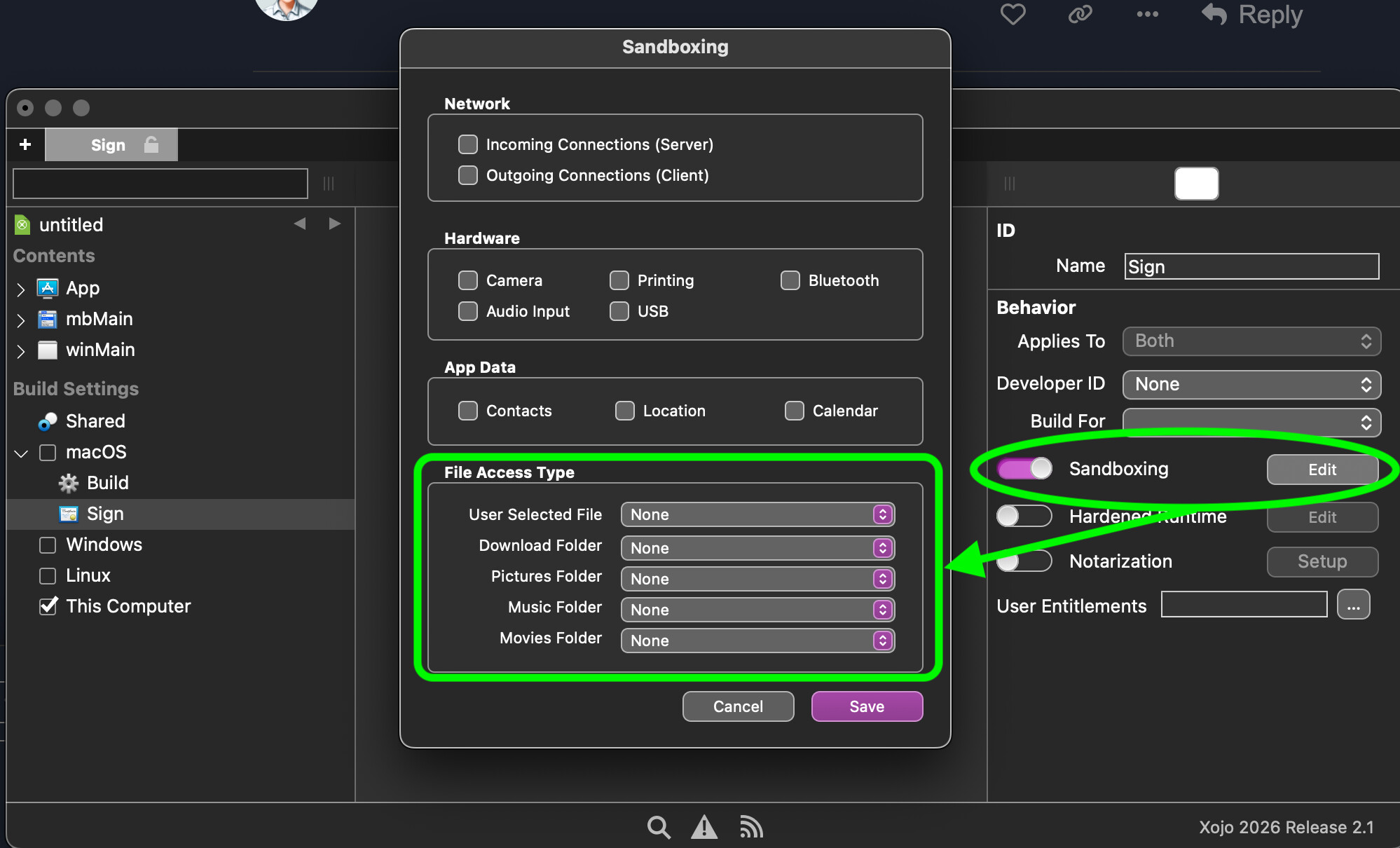
I liked Marc Zeeder’s comic downloader app in the latest XDev issue so much I decided to customize it for my personal use. What do I have to set up in the build and sign section to allow it to operate without having to answer the following popup every time? Happens to both debug and build apps.
“My Comic Downloader.debug” would like to access files in your Documents folder.
Basically application is not allowed to access files without permission. Either via grant permission (the popup you see) or via Open or Save file dialogs. That is just how macOS works nowadays more or less.
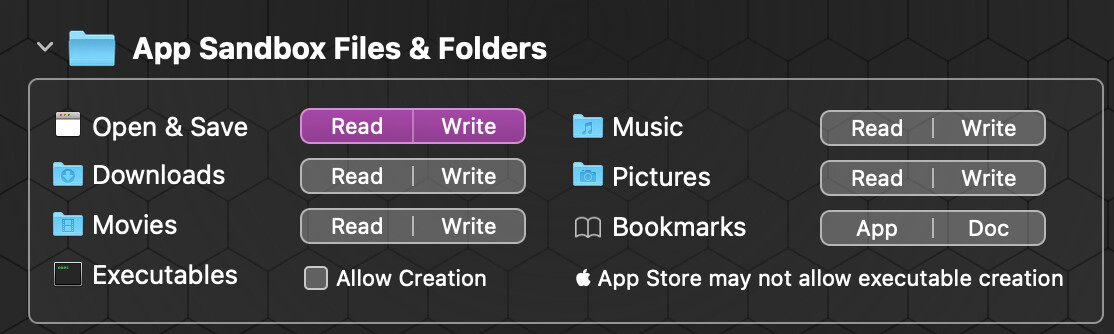
You have to set some key in the plist file. Don’t know which one - that’s what I use App Wrapper for - everything’s spelled out so you don’t have to hunt and guess.
I put the data file in the Application Support folder and the other support files (Xojo script, etc.) in the app’s folder in the Applications folder. That solved the problem.