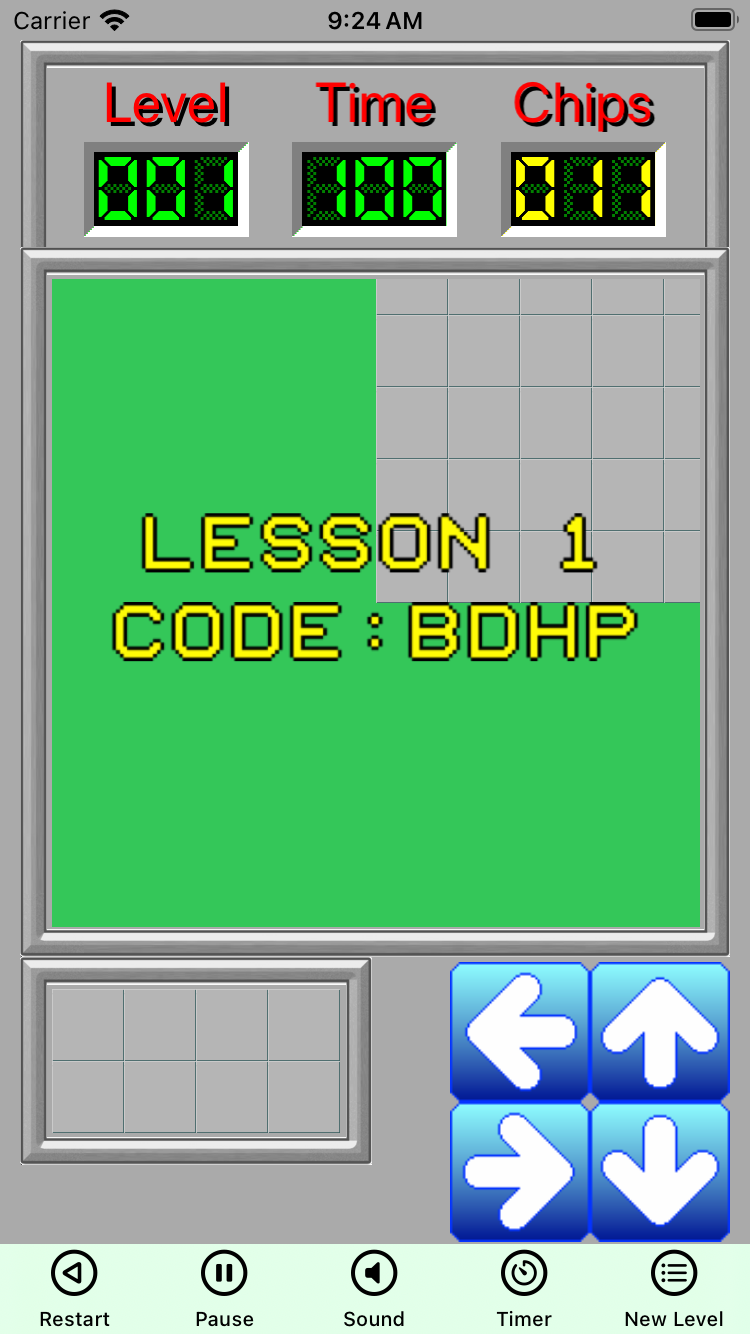
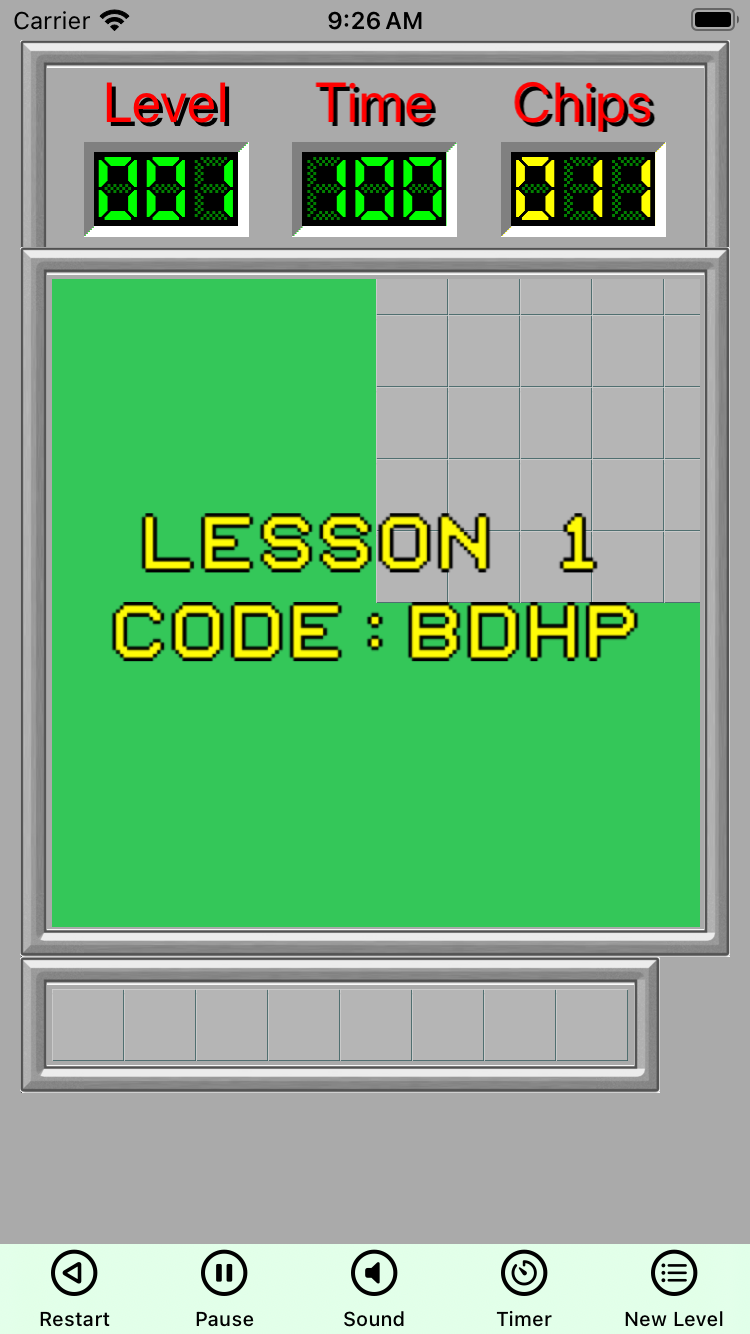
I have a puzzle game where a character needs to be moved around a grid. I’ve been fighting for days trying to find a GUI that can adapt to macOS, iPhone and iPad as each has their own size issues.
dPad or buttons seem to be “ok” for iPhone, but more a problem for iPad due to the larger device size (and on the 13" the buttons kinda get lost)
macOS isn’t really an issue as I have full access to a real keyboard.
So I’m thinking about trying swipe guestures. this would remove any need at all for on screen buttons or dpad, and relieve all the “real estate” issues
I’ve played a few games with swipe gestures and it suffers from accidental swipes. Meaning I meant to swipe down but was diagonal just enough to register left or right. That’s on me as a user but still, it’s annoying. At least with buttons there’s no guessing though with my luck I’d mishit the button anyway on a touchscreen. So probably no perfect solution.
my thoughts as well… I made a test app, and I can set a threshold, so it must be “more” vertical or “more” horizontal to register, I need to “play” with it more
Yes, user should know horizontal from vertical but accidental diagonal swipes can still annoy some users. I presented an idea that finger motion events could be handled and direction vector could be drawn as visual direction indicator when user swipes. Diagonal direction vectors could be drawn on different color to indicate movement direction is not valid.
Apple’s apps do that. For example, in a music playlist, or in Mail, there are several directions to swipe, and each produce a movement (the row gets another colour revealed). That’s indeed intuitive and allows cancelling the swipe when the effect is unwanted (either because the direction is misinterpreted, or when us, as a user, confused which direction does what).