I have the code apple suggests… but it doesn’t really indicate the actions that should be taken should the verification fail. Not only that but this particular app has no requirement. its a simple card game.
All the docs seem to indicate it controls who can and cannot download an app, but that isn’t true, it is who can or cannot RUN the app, since it has to be downloaded and installed before this code can even operate
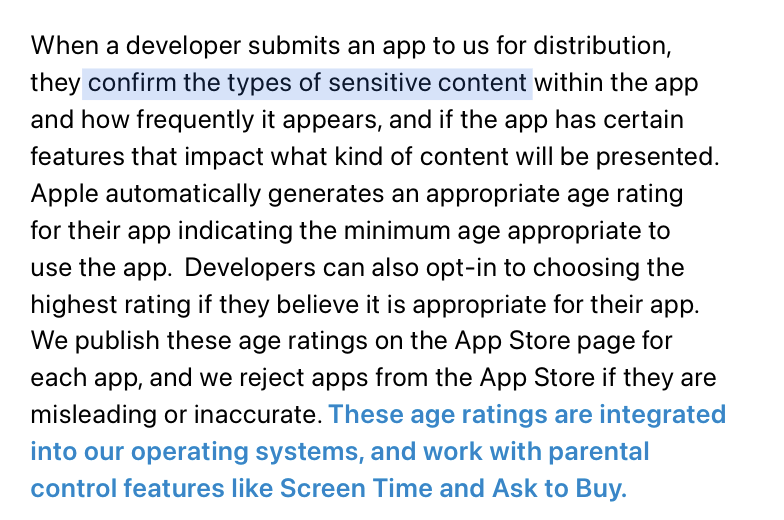
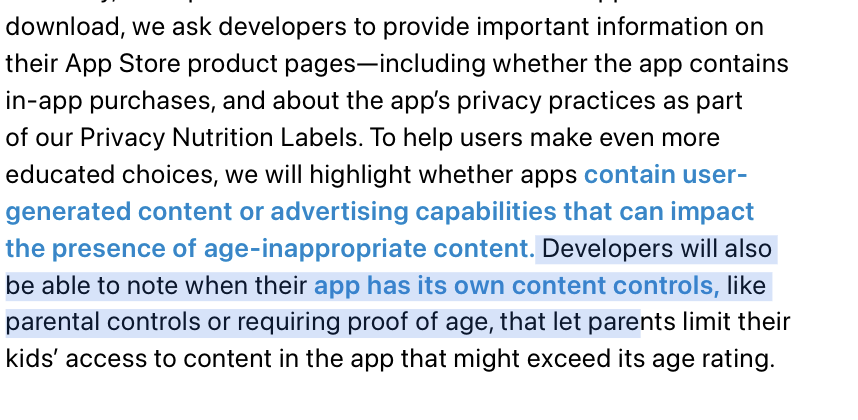
I was just on the App Store Connect site doing this. Select the app. Select App Information. Scroll down to Age Ratings. Click on Edit after App Age Ratings. You will then get a whole series of questions to answer.
That is NOT what I am talking about… THAT has been in App Store for years now.
Starting Jan 2026, your app code MUST have calls to a new SDK26 api
//
//  ageVerify.swift
//

import Foundation
import AppKit
import DeclaredAgeRange

class AgeGatedViewController: NSViewController {
    var advancedFeaturesEnabled = false

    override func viewDidLoad() {
        super.viewDidLoad()
        checkAge()
    }

    func checkAge() {
        Task {
            let minimumAge = 16

            do {
                // Request with your age brackets (multiple allowed)
                let response = try await AgeRangeService.shared.requestAgeRange(
                    ageGates: minimumAge,
                    in: self.view.window! // the current UIViewController
                )
                switch response {
                case .sharing(let range):
                    // Enable features if lowerBound is at least minimumAge
                    if let lowerBound = range.lowerBound, lowerBound >= minimumAge {
                        advancedFeaturesEnabled = true
                        // Update your UI accordingly
                    } else {
                        advancedFeaturesEnabled = false
                    }
                    print("Age range declared: \(range)")
                case .declinedSharing:
                    advancedFeaturesEnabled = false
                    print("User declined to share age range")
                    default :
                        advancedFeaturesEnabled = false
                        print("Unable to collect age range")
                }
            } catch AgeRangeService.Error.invalidRequest {
                print("Invalid request (e.g., bad age bracket)")
            } catch AgeRangeService.Error.notAvailable {
                print("Age range service not available")
            } catch {
                print("Unknown error: \(error)")
            }
        }
    }


}

```
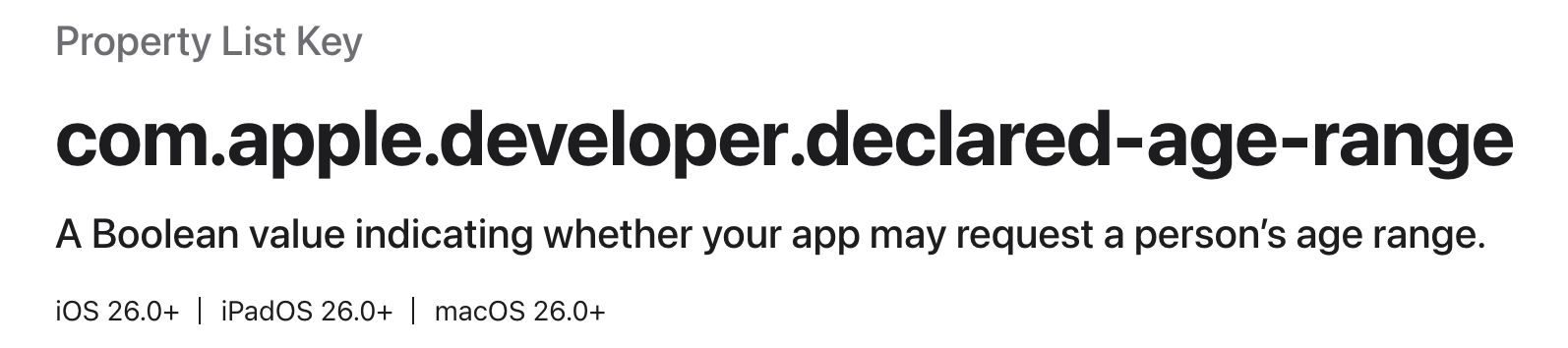
Use AgeRangeService to request a person’s age range and manage their access to content on your app.
So when not delivering different content based on age - why should I care about that?
I haven’t noticed a new requirement regarding age that should apply to all apps… so I’m curious to learn what kind of requirement you’re talking about.
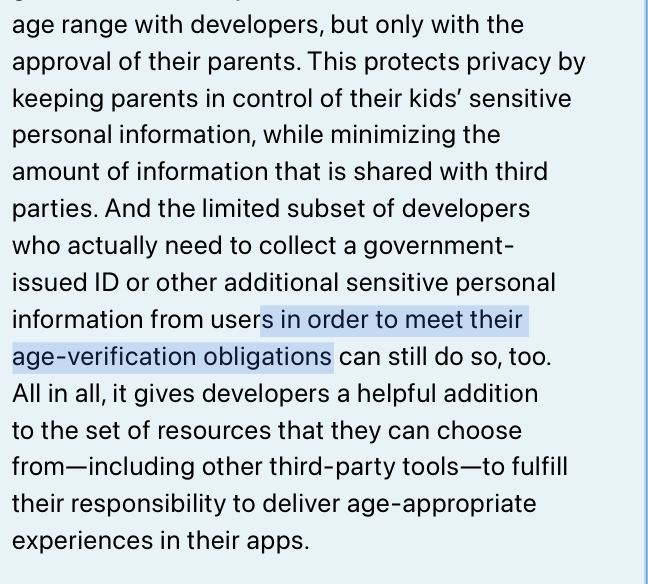
Starting January 1, 2026, new age verification requirements for Apple apps (initially for Texas and likely other US states soon after) will require users to confirm if they are 18 or older when creating an Apple account, and users under 18 will need parental consent and must join Family Sharing for app downloads and in-app purchases.
Key Requirements for 2026
All app stores must verify a user's age during account creation using a commercially reasonable method, such as a credit card, government ID, or parent attestation.
If the user is under 18, the account must be linked to a parent or guardian via Family Sharing, with parents approving downloads, purchases, and major app changes.
Developers must support parental consent workflows, allow parents to revoke child access at any time, and use new Apple APIs (Declared Age Range, Significant Change) that report the user's age category, not their exact age.
Declared Age Range divides users into categories: under 13, 13–15, 16–17, and over 18, with developers required to use these categories for compliance.
Significant changes to an app (like a changed age rating) must trigger renewed parental consent workflows.```
and since you cannot write an app the is “state” specific, this will infact apply to all 50 states.
And even then I don’t see why “every app” should need to use (or “has to use and call”) these new API’s.
At least not until one is going to make “significant changes” to an existing app (which then may have a different age rating), or is allowing to create accounts within an app.
I know WHAT it is, but I don’t know what actions should be taken and the circumstances under which they need to be taken, based on the code snippet above